 Pirateswap
 Skin Trading and Payout Rules
Pirateswap lets users exchange, buy, and sell Counter-Strike 2 (CS2) skins through Steam. Its Exchanger swaps items, its Store offers skins for purchase, and Instant Sell creates proceeds from eligible skin sales. A September 2026 walkthrough describes deposits and promo-code credit as spending funds, with eligible skin-sale proceeds supporting cash-out. Item availability and Steam trading restrictions also affect delivery.
Updated:
Choosing between a replacement skin and a payout changes which part of the service matters. An item valuation, spending credit, and a completed payment describe different forms of value, even when they appear within the same account.
Pirateswap can return an unavailable skin's value as platform balance, which may no longer cover its replacement at a higher price.
The Exchanger, Store, and Instant Sell
The Exchanger uses selected skins in an exchange for other available items, while a September 2026 walkthrough describes the Store selling skins for account balance. These options serve different starting points: exchanging inventory or using the balance accepted for a Store purchase.
Instant Sell offers a sale route for eligible skins. Its purpose is to create sale proceeds for a payout. The value assigned to a skin in a swap does not establish the amount payable for selling it.
Steam carries the item transfer through a trade offer. The offer identifies which items move in each direction. Selecting a skin on the platform does not itself place that item in the receiving Steam inventory.
A September 2026 walkthrough describes Trade Bonus adding up to $30 across a new user's first three qualifying trades, excluding skin sales. It describes Freebies as chances to win skins after top-ups or trades, alongside events with separate entry rules. Their qualifying activity matters when assessing the value of an offer.
Deposits, promotional credit, and sale proceeds
The September 2026 walkthrough describes deposited funds and promo-code credit as spending funds, while eligible skin-sale proceeds have a withdrawal purpose. Under that reported policy, a top-up changes purchasing capacity without making the deposited amount available for direct cash-out.
| Account rule | Value or permitted use | Cash-out eligibility |
|---|---|---|
| Deposited balance use | Skin purchases under the reported balance policy | No direct withdrawal under the reported deposit policy |
| Promotional credit use | Trade Bonus for qualifying trades; promo-code credit for skin purchases | No direct promo-code credit withdrawal under the reported policy |
| Cash-out source | Eligible proceeds from skin sales | Sale and payout conditions apply |
| The reported policy separates spending credit from cash-out proceeds. | ||
Crypto deposits and crypto withdrawals, where the account offers those methods, describe different payment directions. A deposit funds spending; a withdrawal sends eligible proceeds outward. Support for a deposit method does not establish an equivalent payout option.
Why can a selected skin remain unavailable?
A selected skin can remain unavailable because its Steam trading restriction has not ended, a prior trade reverses, or its trading bot faces restrictions. A catalogue listing and immediate delivery describe different states of the item.
CS2 items received in a Steam trade remain Trade Protected for 7 days after confirmation. During that period, the recipient cannot transfer, consume, or modify them. A skin newly received by a trading bot therefore cannot immediately move onward to another account.
A prior owner's reversal can return a protected item to its previous owner. The service may then have no item left to deliver. When reversal or a bot restriction makes a selected skin unavailable, Pirateswap says it returns the corresponding value to the account balance.
Pirateswap's support explanation bases the refund on the skin's value when the transaction completed. If a replacement has become more expensive, the refunded amount may not cover it. The end of a waiting period also cannot restore an item the bot no longer holds.
Steam Community Market sales and external payouts
Steam Community Market sales credit the Steam Wallet, whose funds users cannot withdraw to a bank or another third-party account. Pirateswap's cash-out route concerns eligible skin-sale proceeds under its own balance rules. Steam sign-in does not make these funds interchangeable. The intended destination matters when choosing a transaction type: spending within Steam, another skin, or an eligible external payout.
What determines when a skin-sale payout arrives?
A payout subject to trade-lock processing must clear that stage before the selected withdrawal method completes the payment. Its estimated processing time applies to that method. The sale quote describes the offer; receipt of the payment establishes the payout.
The amount payable for the selected items provides the basis for comparing sale offers. Where a quote includes deductions, distinguish the value before charges from the amount the recipient receives.
For a cryptocurrency payout, the selected asset and network must match what the receiving wallet or account accepts. Use the network specified for that payment when checking compatibility. The withdrawal destination is the wallet address supplied for the payment, so an account's Steam trade URL does not identify that destination.
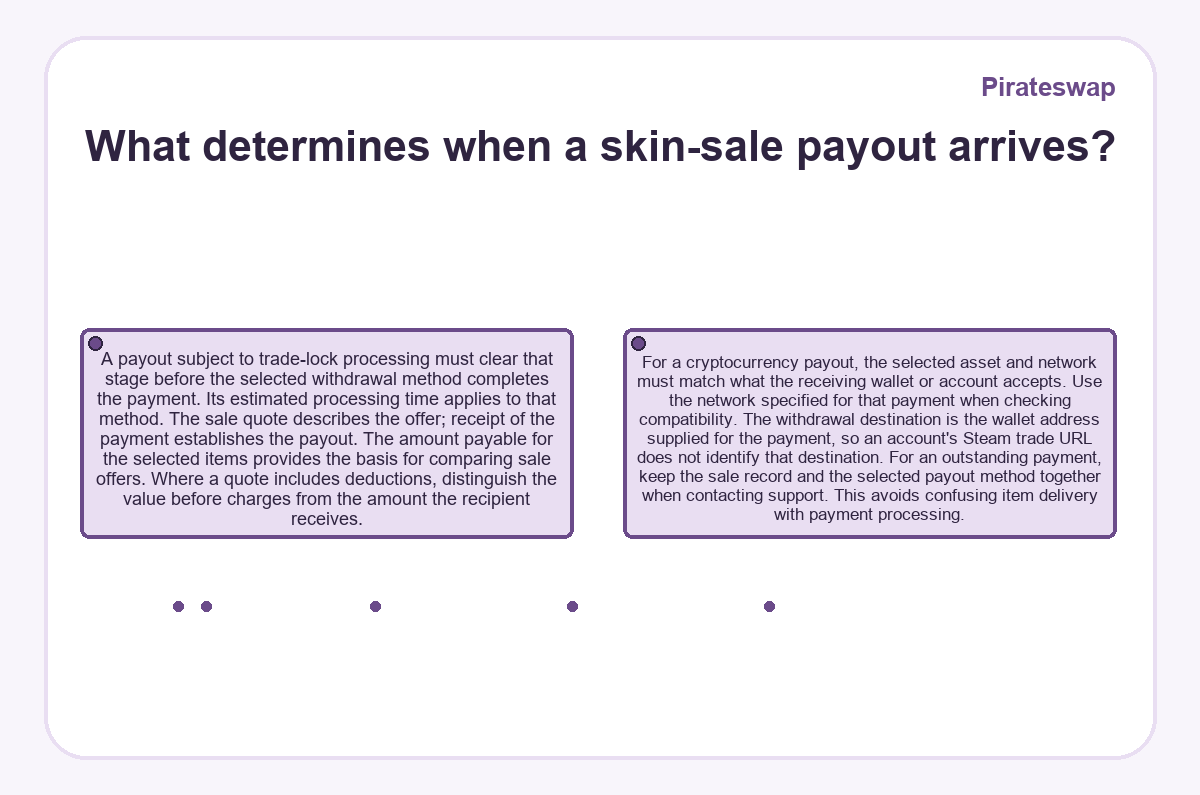
For an outstanding payment, keep the sale record and the selected payout method together when contacting support. This avoids confusing item delivery with payment processing.
Steam access and trade confirmations
Steam trading requires an account eligible to trade, and a September 2026 walkthrough records Pirateswap requiring a trade URL, an email address, and a public inventory. Inventory visibility allows the service to load the skins available to consider.
A Steam trade URL allows offers from people outside the account's friends list. It does not transfer an item on its own. The offer's contents determine which skins move in each direction, and Steam requires confirmation for outgoing offers. Compare the item list and counterparty with the intended transaction before approving it.
Steam Guard does not erase an account's existing trading restrictions. Password resets, authenticator changes, and trade bans can affect access independently of an item-level restriction. Steam displays a reason for blocked trading actions; that restriction needs attention before another transfer can proceed.
Keep Steam credentials and confirmation codes out of support messages. For a missing skin or stalled payment, provide the relevant transaction details through the service's support channel. Support can then inspect the affected trade without receiving authentication secrets.
Pirateswap: the short answers
-
Can Steam Wallet funds be included in a Pirateswap trade offer?
- Steam Wallet funds cannot appear in a Steam trade offer. An offer transfers tradable items. Any spending balance held by the skin-trading platform remains separate from the Steam Wallet and does not become a cash payment inside the offer.
-
Does a CS2 skin remain usable during Trade Protection?
- A CS2 skin received in a confirmed Steam trade can be equipped and used during its 7-day Trade Protection period. The restriction affects onward transfer, consumption, and modification. A skin still held in a platform inventory has not yet reached your Steam account.
-
What happens if a skin leaves the inventory before its Steam offer is accepted?
- Steam makes an offer inactive when an included item is traded away or sold on the Community Market. The inactive offer cannot be accepted. A pending offer therefore does not reserve the item or establish a completed transfer.
-
Who receives a Steam cooldown when a protected trade is reversed?
- Steam applies a 30-day trading and Community Market cooldown to the account initiating a Trade Protection reversal. The reversal covers all trades containing protected items from the preceding 7 days. Counterparties do not receive that cooldown merely because another account initiated the reversal.
-
Where does Steam show whether a skin is tradable?
- Steam shows an item's tradability in its inventory details and Tags section. Inspect the particular skin, since an account's ability to trade does not make every item transferable. An item with a restriction date must wait until that date allows the relevant action.
-
Are Freebies guaranteed after every top-up?
- A September 2026 walkthrough describes Freebies as chances to win skins after top-ups or trades, alongside events with separate entry requirements. Entering an event does not promise a particular skin. The qualifying conditions belong to the selected promotion, so a trade-related reward does not automatically describe what a top-up earns.